# Edit a column
You cannot change the column type if there is data in the table. When you try, Workato displays a warning message.
Additionally, if you have chosen to set your column as required, you cannot change this once data is in the table.
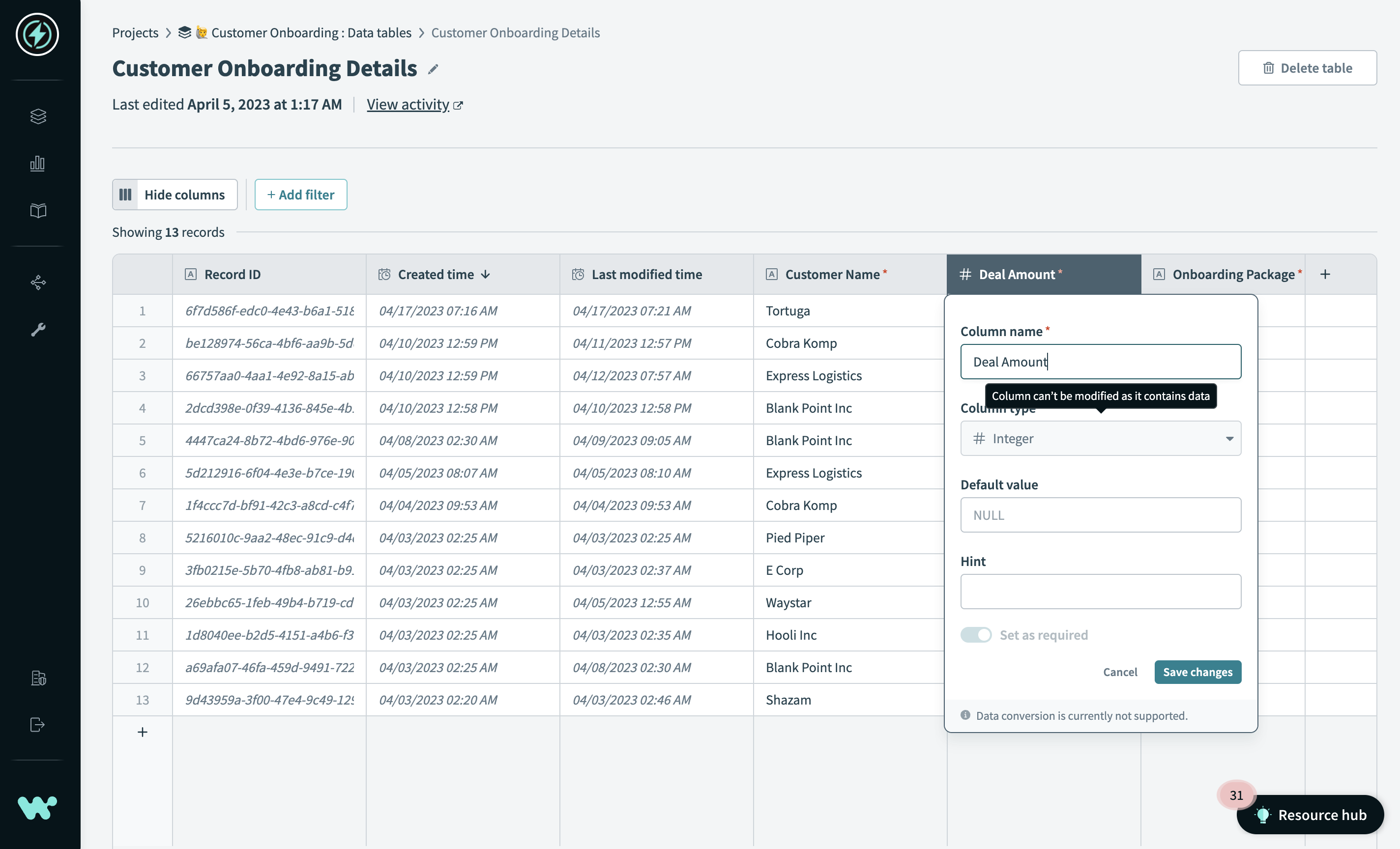 You cannot modify the column type if it contains data
To edit a column:
Hover over the column name.
Click ...(ellipsis).
Select Edit attributes.
Edit the column attributes.
Click Save changes.
# Edit a column using keyboard shortcuts
# macOS
To edit a column, select a column cell and press enter.
Press command + s to save your changes.
# Windows
To edit a column, select a column cell and press enter.
Press ctrl + s to save your changes.
See Keyboard shortcuts for a complete list of keyboard shortcuts you can use to interact with your data tables.
# Change column order
You can change the order of columns in your table by dragging and dropping them into their new location.
To change the order of columns:
Hover over the column name.
Wait for your cursor to turn into a hand image.
Click the column and drag it to its new location.
Last updated: 5/25/2023, 11:52:43 PM