# Create an RFC Destination for Workato in SAP
REQUIRED STEPS
Setting up the Program ID is always required if you use IDocs.
For RFM/BAPI integrations, this step is required for OPA versions 2.15 and below. Starting with OPA 2.16, this step is not required if integrations occur through RFM/BAPI only.
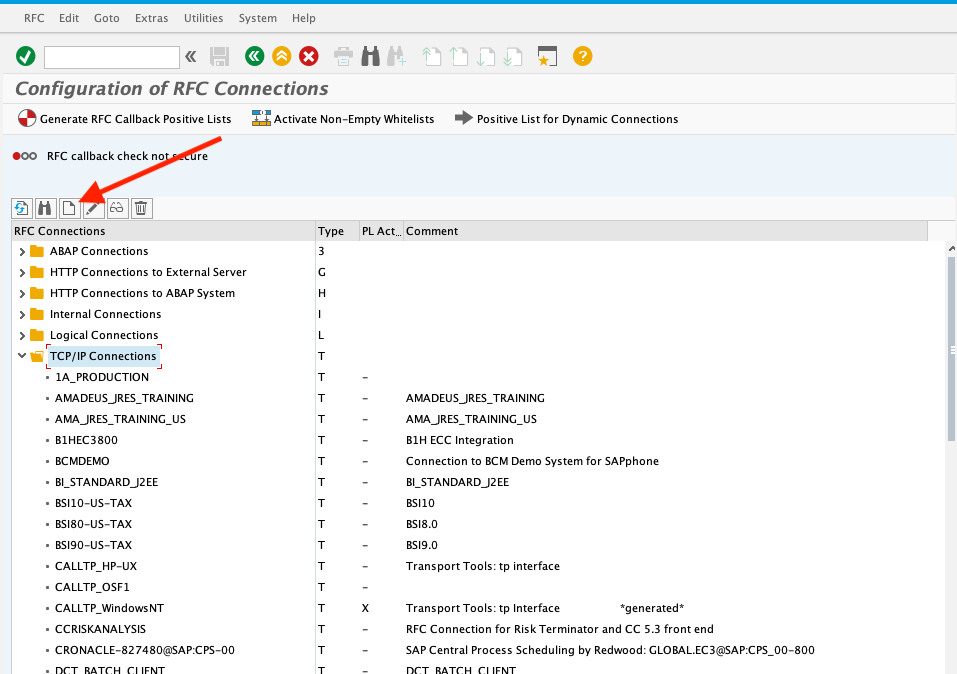
In SAP, use Transaction SM59 to create a new RFC Destination of type TCP/IP (type T).
Select the TCP/IP Connection folder and click the create button.
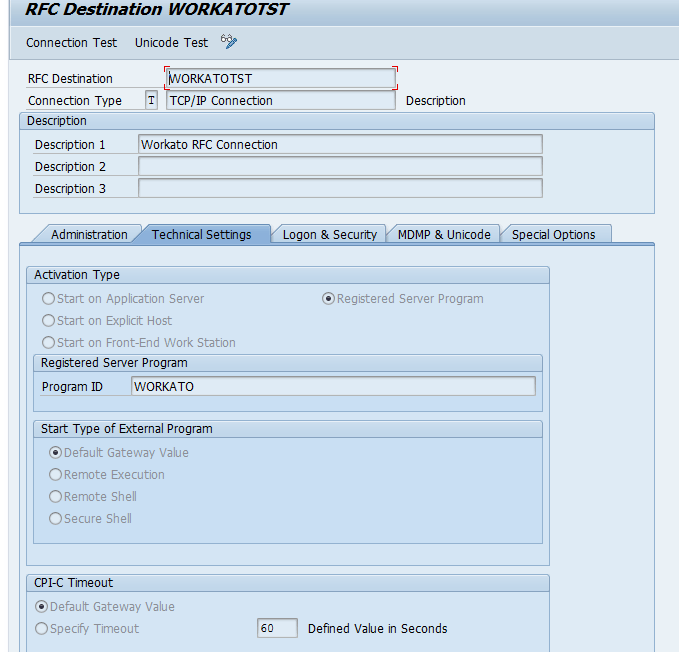
In the Technical Settings tab, select the Registered Server Program option.
Enter WORKATO (case-sensitive) as the program ID.
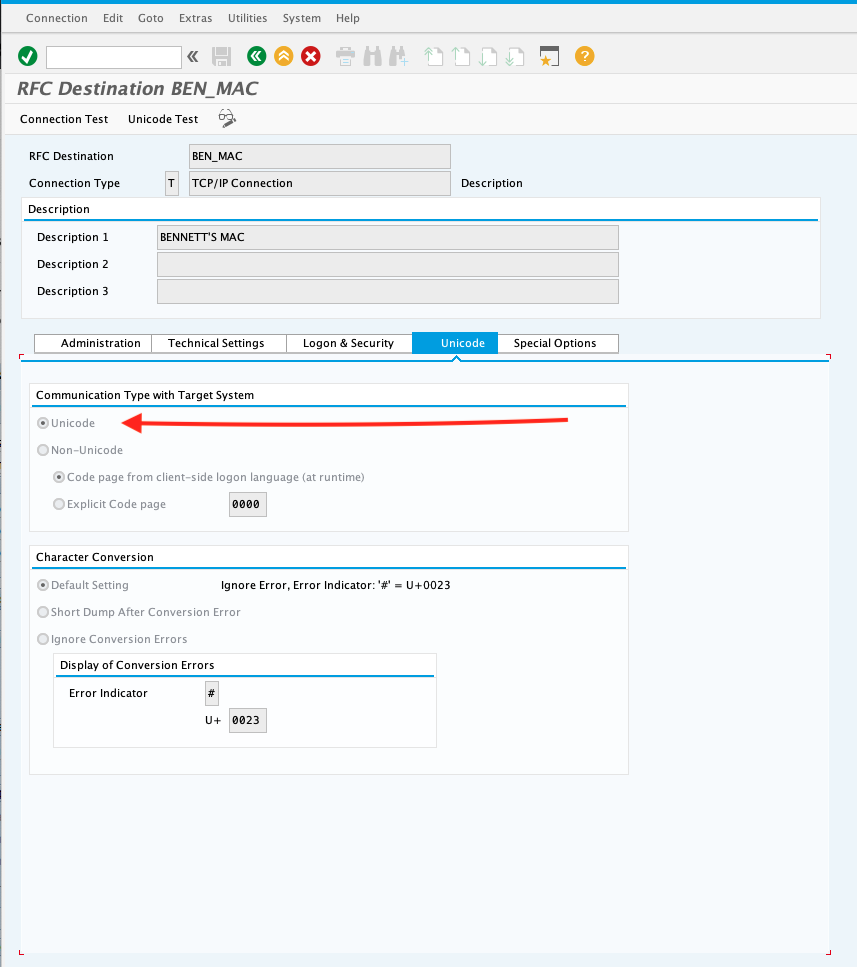
Proceed to the MDMP & Unicode or Unicode tab. Set the communication type to Unicode.
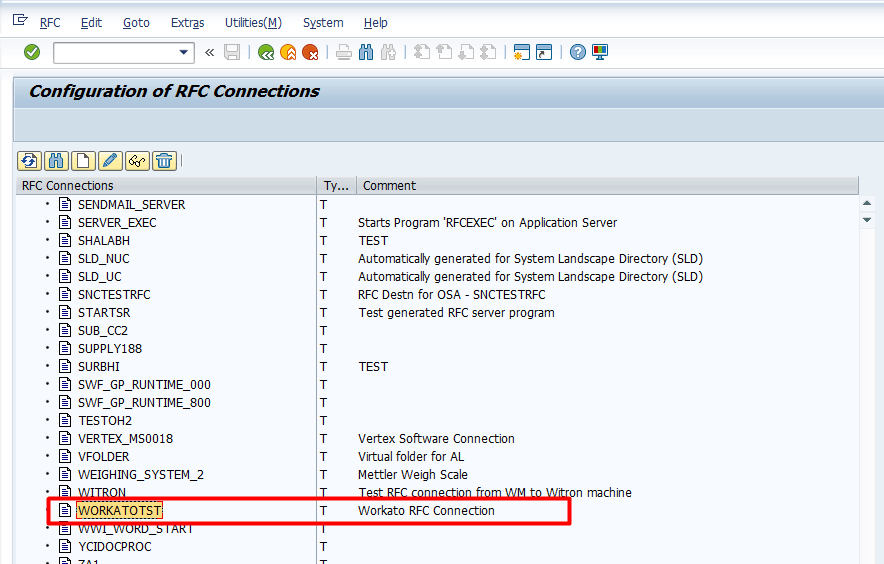
Click Save. Your newly-created RFC destination should appear.
FURTHER READING
To complete your connection to SAP RFC, read the following guides:
Last updated: 3/29/2023, 5:51:53 AM