# Compress files
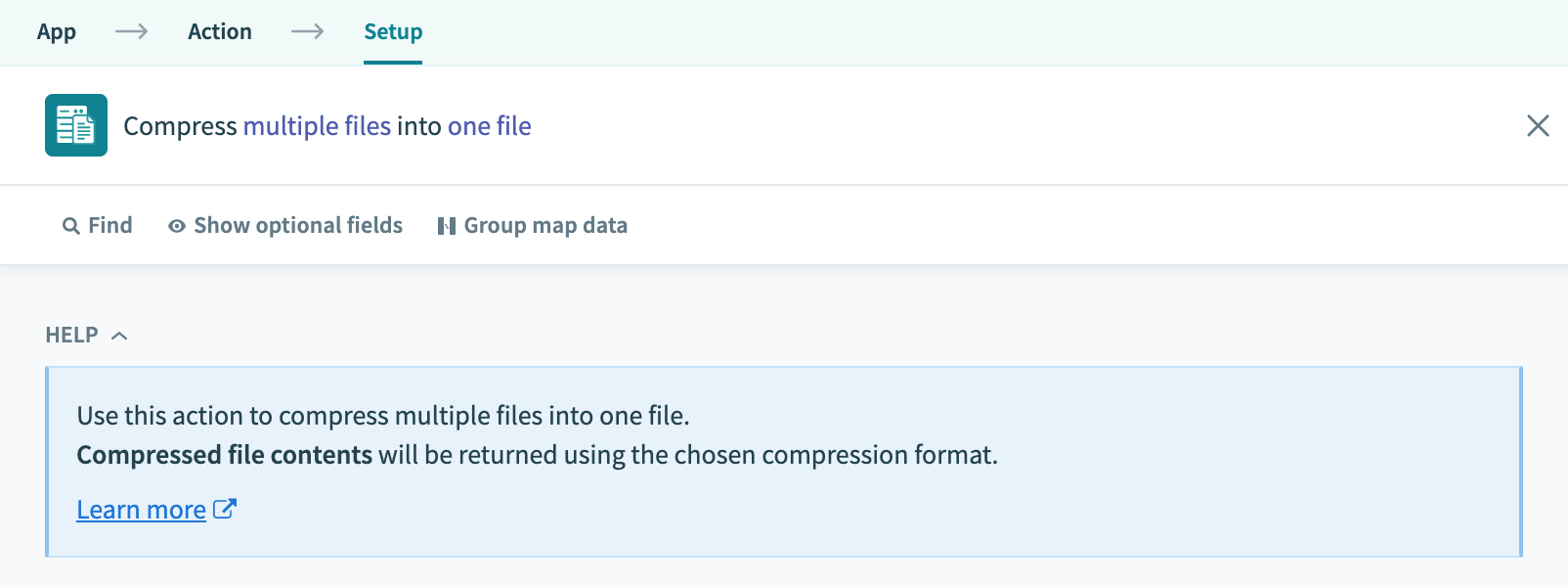
Compress files is one of the actions under Files by Workato application. It allows you to compress multiple files into one zip or gzip file. The source files can come from any app (for example, Amazon S3, Dropbox, Salesforce, etc.)
# Input fields
The input configuration contains the compression preferences and the files to compress.
| Field | Description |
|---|---|
| Compression format | Choose to either compress with zip or gzip. |
| Archive format | Choose whether to archive the files with tar format. Only available if gzip is chosen as compression format. |
| Password | Secure the compressed file with a password. Only available if zip is chosen as compression format. |
| File list | Add files to be compressed into this list. |
# Output fields
| Field | Description |
|---|---|
| Compressed file contents | Compressed file contents in the specified compression format. |
# Example: Compress all files in a folder
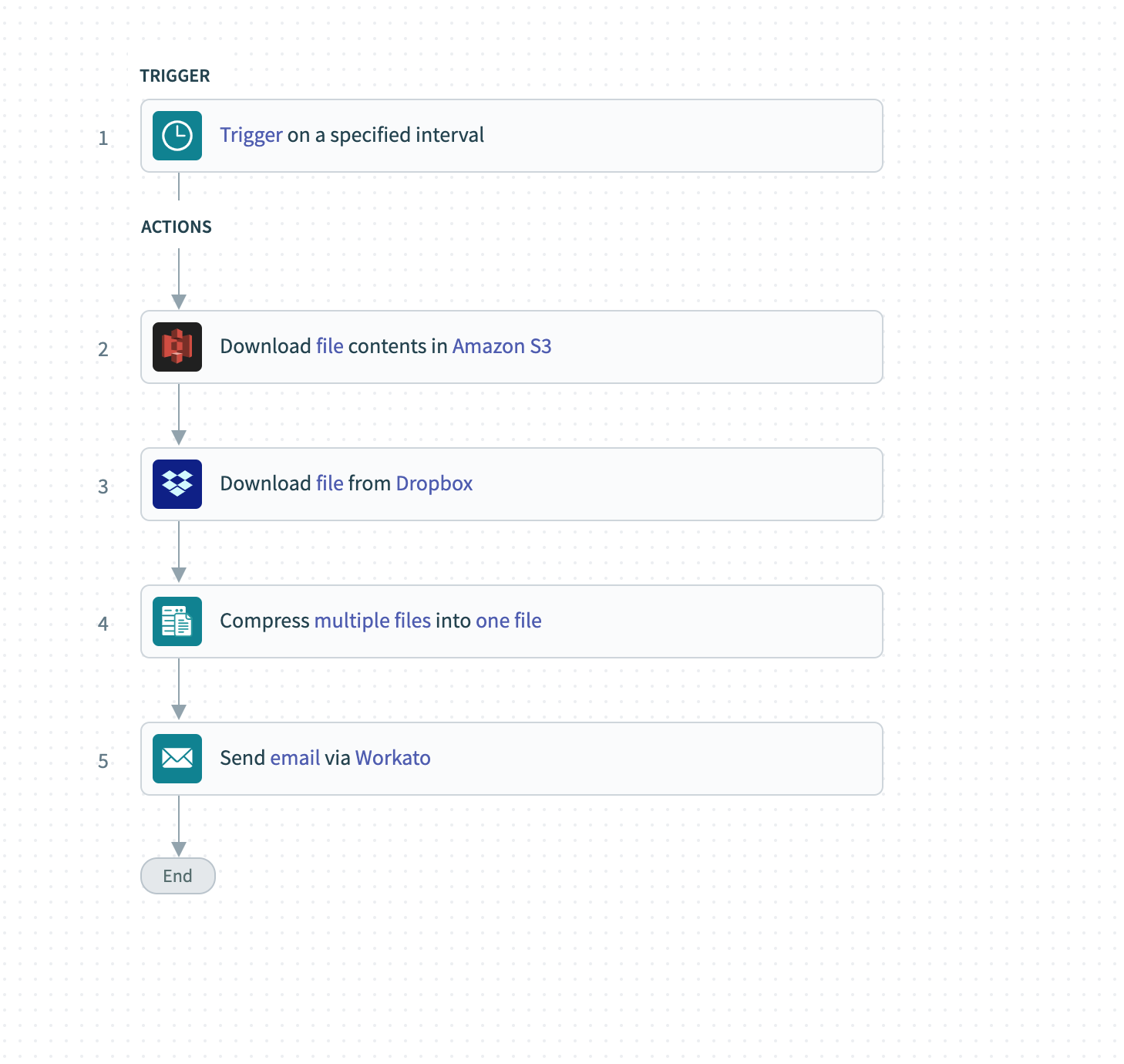
Here is a sample recipe (opens new window) that downloads files from S3 and Dropbox, compresses them into a single zip format before sending it out as an email attachment.
Last updated: 7/2/2021, 7:31:20 AM