# Copy file action
This action allows you to copy a file between different folders in SFTP server.
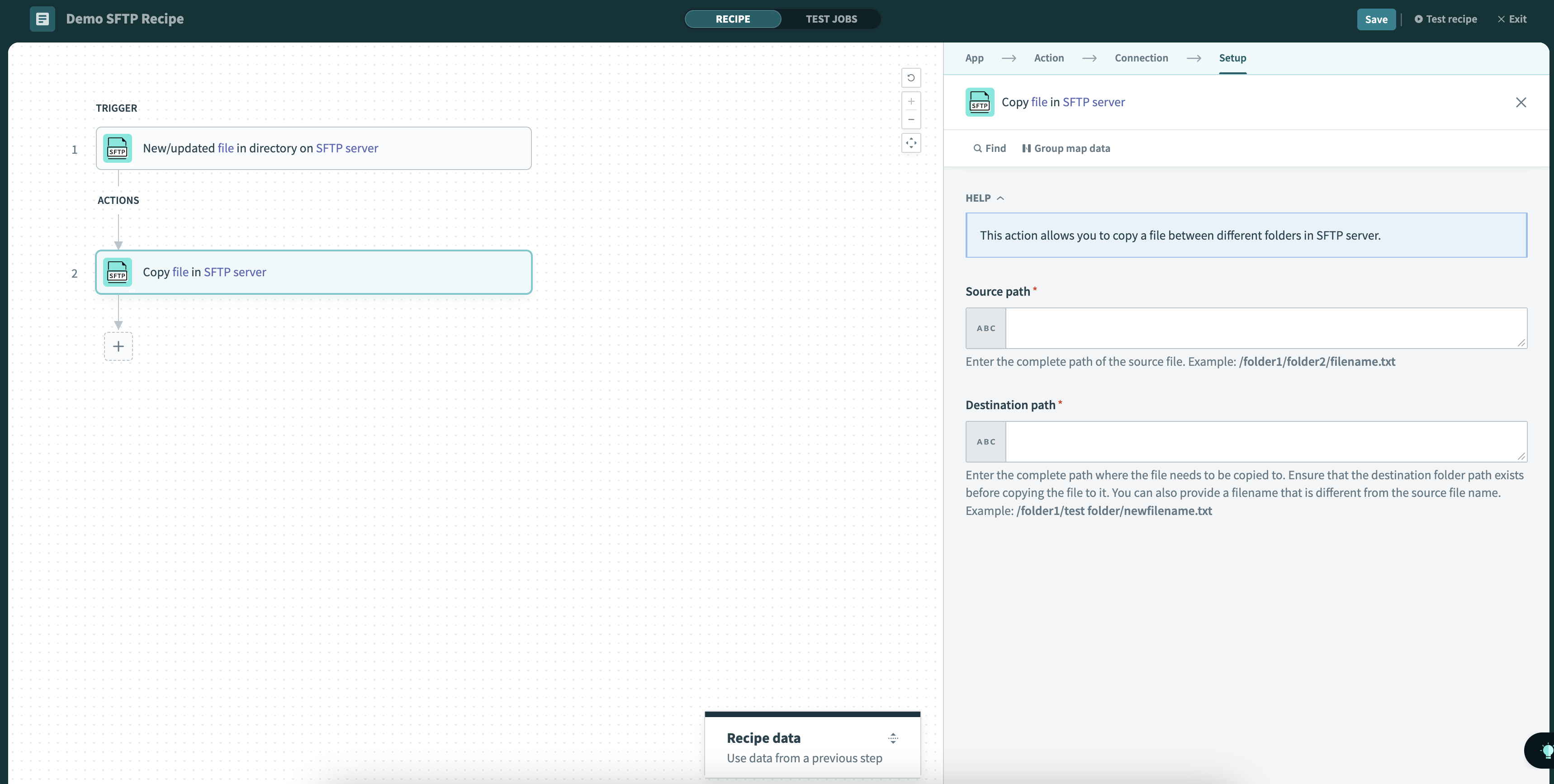 Copy file action
# Input
| Input field | Description |
|---|---|
| Source path | Provide the full path of the source file, including the file name and extension. Example: /folder1/folder2/filename.txt |
| Destination path | Provide the full path where the file should be copied. Ensure that the destination folder path exists before copying the file to it. You can also provide a filename that is different from the source file name. Example: /folder1/test folder/newfilename.txt |
# Output
| Output field | Description |
|---|---|
| Source path | The full path of the source file. |
| Destination path | The full path of the new copy. |
Last updated: 10/19/2023, 10:05:52 PM