# Amazon S3 action - Upload file
This action uploads a new file to the selected bucket/folder. If a file with the same name already exists in the bucket/folder, it will be overwritten.
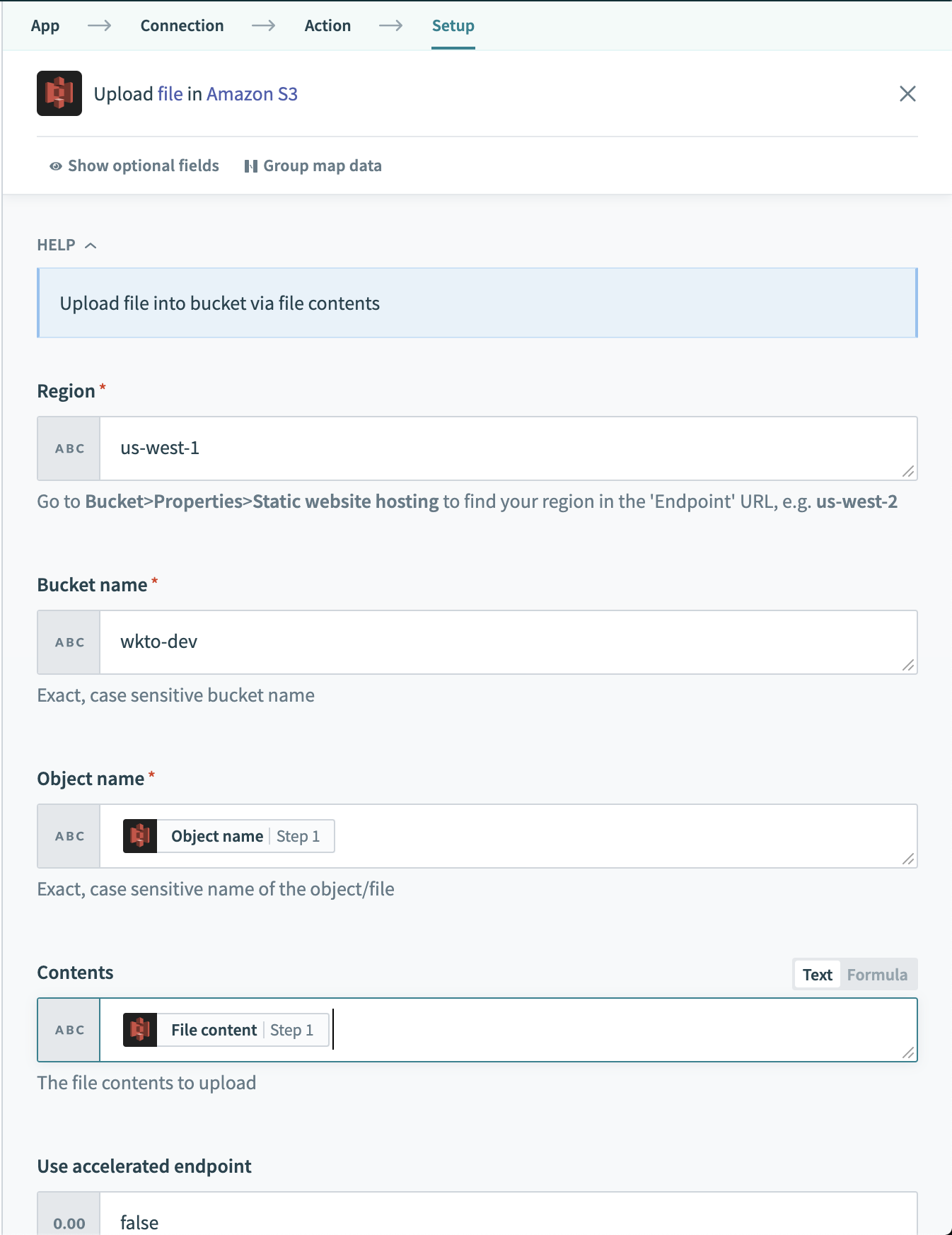 Amazon S3 - Upload file action
# Input fields
| Field name | Description |
|---|---|
| Region | The region of the bucket to upload the file to, for example, us-west-2. In Amazon S3, go to Bucket > Properties > Static website hosting to find your region in the Endpoint URL. |
| Bucket name | The bucket to upload the file to. Enter the bucket name directly, this is case sensitive. |
| Object name | The name of the uploaded file. For object in folders, specify the object path here. |
| Contents | Contents of the file to upload. Accepts a datapill, such as File content, or raw text. |
| Use accelerated endpoint | Specify true if Transfer Acceleration (opens new window) is enabled for your Amazon S3 instance. |
| Canned ACL | Use Amazon's Canned Access Control List (opens new window) to specify permissions for this uploaded file. |
# Output fields
There is no output for this action.
Last updated: 7/2/2021, 7:31:20 AM