# Marketo - Bulk export leads to file action
This action searches for leads in your Marketo instance by a given search criteria and exports them into a CSV file.
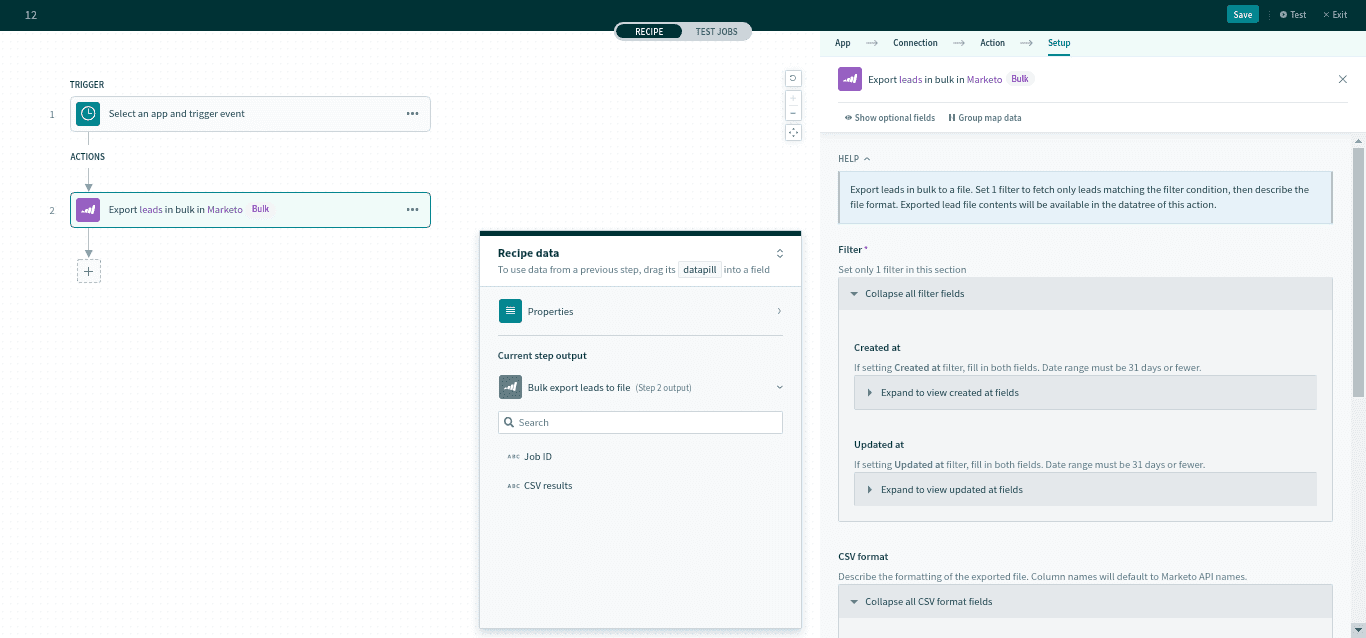 Bulk export leads to file action
# Input
| Input Field | Description | |
|---|---|---|
| Filter | Created at | A data range for when the leads were created. Date range is restricted up to 31 days. |
| Activity types | Select the type of activities to retrieve. You can select multiple values. | |
| CSV format | Fields | Select the lead fields to export into the file. All fields will be returned if left blank. Column names in the CSV file will default to Marketo API names. |
| Column separator | The symbol for the delimiter. | |
For a full list of Activity fields, see here (opens new window).
# Output
The output of this action is a CSV file containing Marketo leads.
| Output field | Description |
|---|---|
| Job ID | The unique ID the export job. |
| CSV result | A list datapill containing CSV rows. |
Last updated: 7/2/2021, 10:09:23 AM