# Preview a Page
The Preview button at the top corner of the Page editor switches your view to preview mode. Previewing a Page enables you to:
- Check how the page would look in the Apps portal. Preview mode provides both mobile and tablet views.
- Check the data population of the components from the data columns they're linked to.
Preview mode displays the Page without the editing controls and the grid. Workato populates the page with one of the most recent records in a data table. You can view and change the record at the bottom of the screen by selecting a record from the Test preview using record "{Record name}".
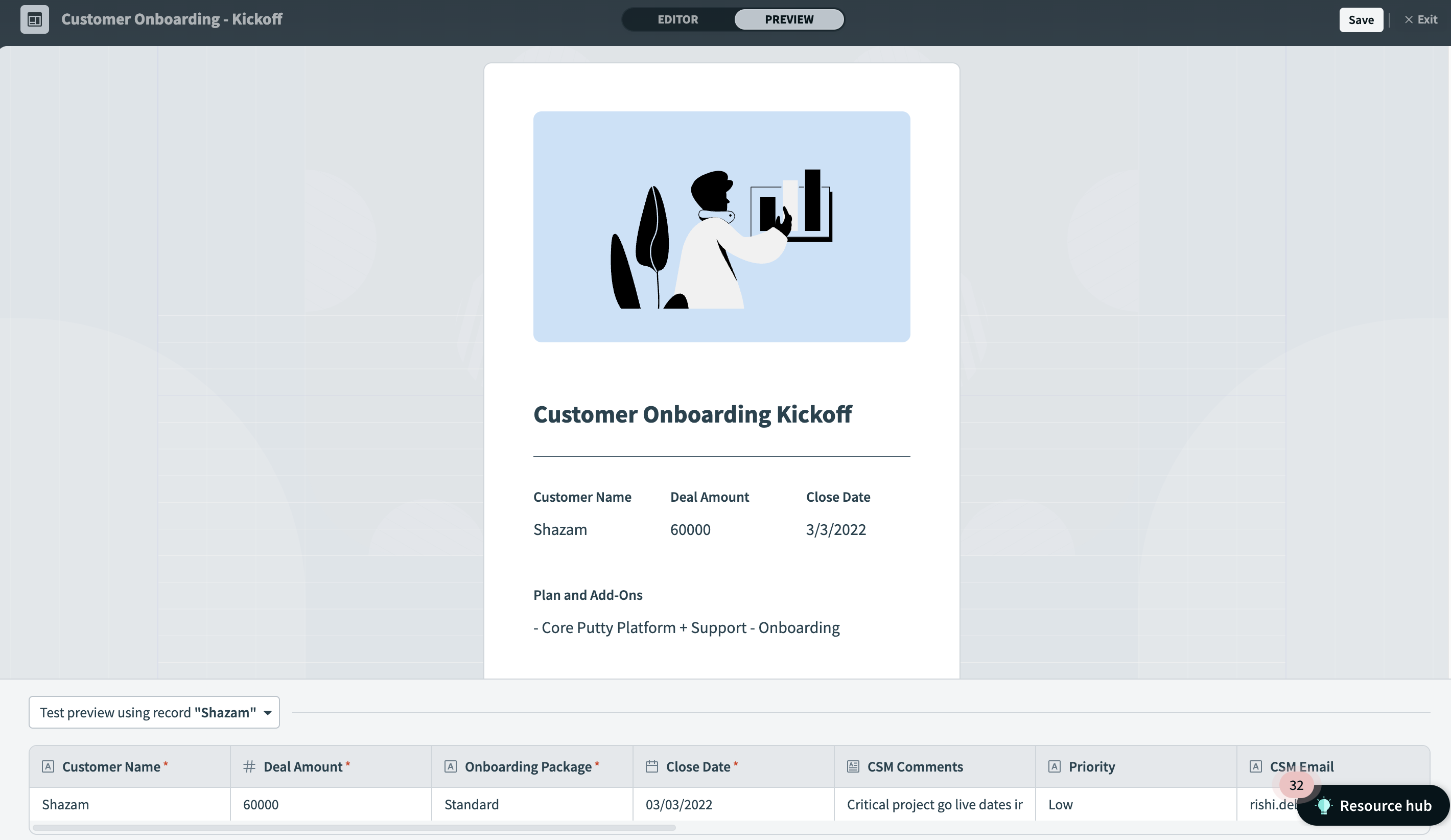 Test preview using a specific record
The Page in the preview mode is responsive (as is a live Page in the Apps Portal). Resize it to see how it adjusts to different screen sizes, such as mobile dimensions.
The buttons in preview mode are not clickable. You can test button behavior on the application itself.
Last updated: 8/8/2023, 3:35:50 PM